![mirro_logo_pnk_slogan.png]](https://help.mirro.io/hs-fs/hubfs/mirro_logo_pnk_slogan.png?height=40&name=mirro_logo_pnk_slogan.png)
Where to find it
Open the task from the module Tasks -My Processes or Tasks -Tasks for me. Mirro does not label a task as approval-gated anywhere on the board. The clearest sign is that you cannot change its status at all, the way described below.
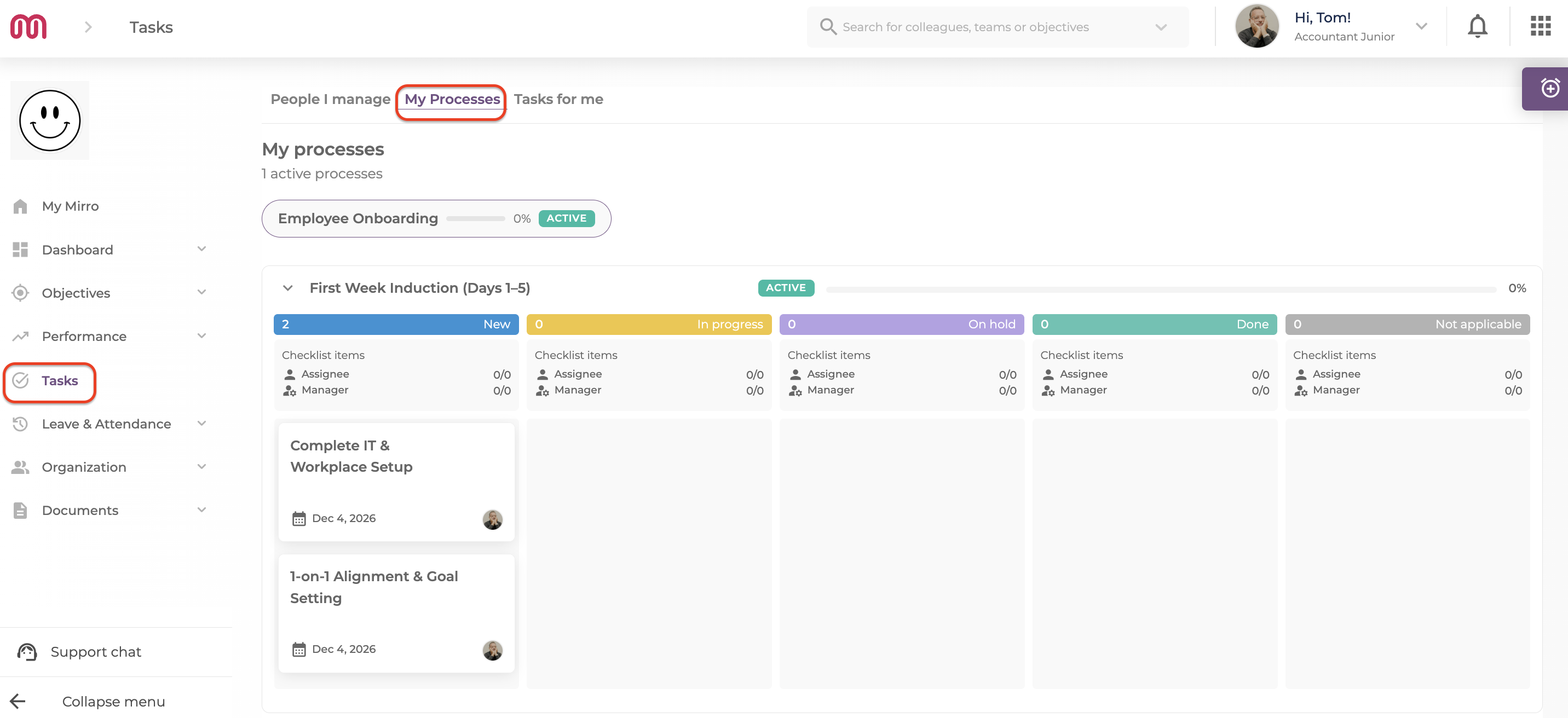
A task without "Require manager approval"
This is the default for most tasks. On a task like this, you can:
- Drag the card to any column, use the ⋮ menu's Change status option, or (on a phone) the quick status buttons.
- Tick, add, and remove your own items on the Employee Checklist.
- Add comments, visible to everyone on the task.
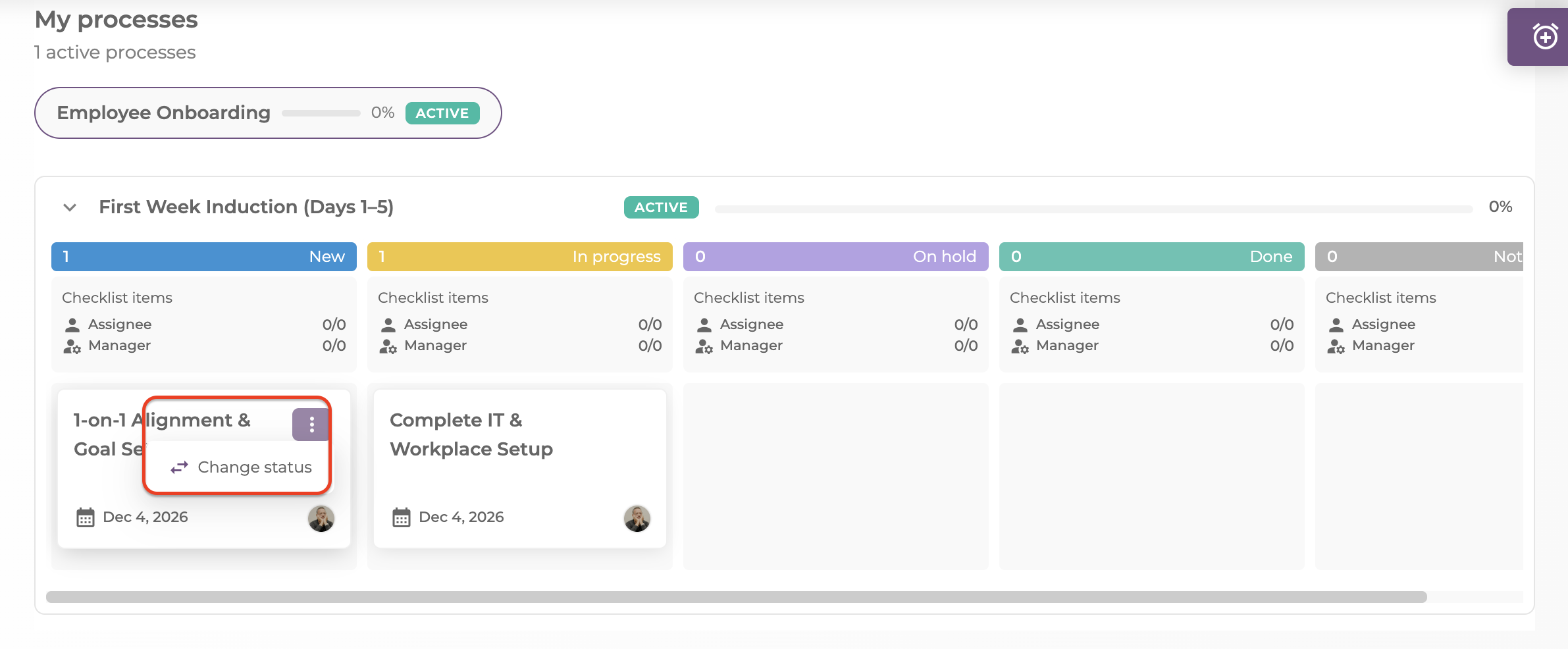
A task with "Require manager approval" turned on
On a task like this, every way of changing its status is unavailable to you: the card cannot be dragged, the ⋮ menu has no Change status option, and the quick status buttons do not appear on mobile. If you open the task's full details, its status field is disabled. This is a full block, not a partial one: you cannot move it to any status yourself, not just the final one.
What still works for you:
- You can still tick your own items on the Employee Checklist. Adding or removing items is disabled, since that is treated as editing the task.
- You can still see the Manager Checklist, if the task has one, though you could never tick or edit it either way.
- You can still add comments.
💡 Tip: Mirro does not show an on-screen reason when a task is locked this way. If you are not sure why, ask whoever manages the process, or check the task's description for instructions.
💡 Tip: Require manager approval and the Manager Checklist are two independent settings. A task can have a Manager Checklist with or without approval turned on, and turning approval on or off never changes whether the task has a Manager Checklist.
Who can move the task instead
Anyone with manager-level access over your process can still update an approval-gated task on your behalf: a Workflow Admin, a Workflow Manager, a Workflow Manager per location for your location, your own manager, your department's head, or a department performance administrator. See How access rights work in Workflows.
FAQ
Q: My task card looks greyed out and I cannot drag it. Why?
A: The task has Require manager approval turned on. Only a manager-level person can change its status.
Q: Can I still comment on a task I cannot move?
A: Yes. Comments and your own checklist ticks still work regardless of this setting.
Q: If I cannot update the status myself, how does my manager know I am ready?
A: Tick off your Employee Checklist items and leave a comment. Your manager, or whoever else has access to the task, still needs to change the status themselves.
If you think a task should not require approval, raise it with whoever manages that process, since the setting is defined when the task is built. If you need more details, contact us at support@mirro.io.